Centipid changelog
Centipid ISP Billing v4.3.21 released 🚀
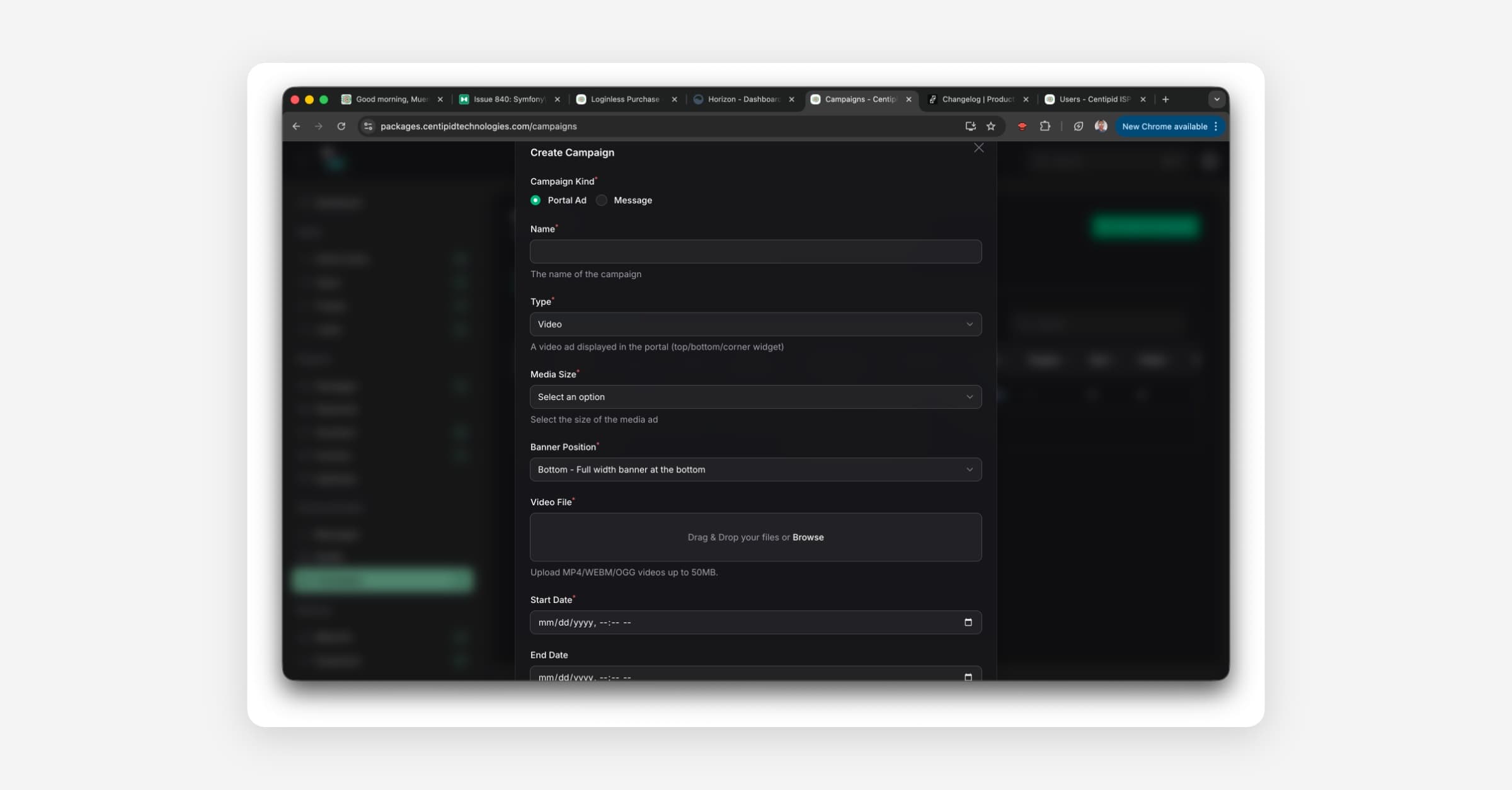
Campaigns for Email and SMS
Run coordinated email and SMS campaigns so you can announce offers, send reminders, and nurture leads at scale. You can schedule sends, attach media, and monitor delivery. This reduces tool switching and helps you keep communications consistent across channels.
Go to Marketing → Campaigns to create a campaign, choose your audience, and select channels. Available today for all users.
PPPoE Self-Service Portal and Invoices
Let PPPoE clients raise tickets from their self service portal and route them under the client’s profile so you can track issues end‑to‑end.
Added customer support contacts to each PPPoE account and send automated invoices to reduce overdue invoices and missed renewals. This creates a clear support trail and lowers response times.
User Notes
Add structured notes to user profiles so you can capture context that isn’t in tickets or invoices.
Open any User profile → Notes to add entries.
User Service Area
Record a user’s service area to improve support.
Voucher Messaging
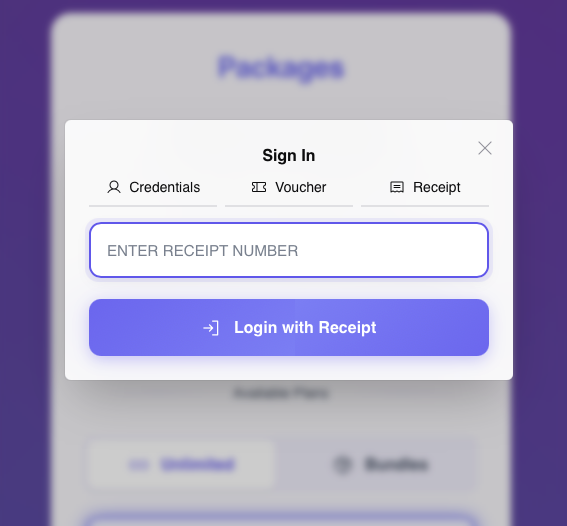
Include the voucher expiry date in the SMS you send when generating a single voucher so recipients know exactly when to use it.
New Integrations
We now support Relworx payment gateway in Uganda and TextBee sms for all the countries.
You can read more about and TextBee here (https://textbee.dev/)
Other Features
Low SMS balance alerts: send once per day or when balance changes, to reduce noise (Settings → SMS)
Video ad support: add short video placements to pages and campaigns ( Campaigns → Portal Ad)
Prevent hotspot clients from authenticating with PPPoE details
Sales notifications: Get periodic reports on your financial performance
Centipid SMS delivery: improve routing for Centipid SMS gateway to increase successful sends when sending to more than 500 users.
Performance improvement and security updates
Improvements
Improvement: Display users under packages to see package users at a glance
Improvement: Packages can now have previously deleted package names
Improvement: Updated Terms of Use to clarify ISP responsibility and indemnify misuse, you can view the updated terms of use and privacy policy here (https://auth.centipidbilling.com/legal)
Quality: Corrected currency now displays on the PPPoE self-service portal
Quality: Reduced duplicate SMS (DoubleSMS) by tightening de‑duplication
Quality: Fixed package assignment for specific Mikrotik devices
Quality: Stabilized PawaPay callback URL handling
Quality: Added documentation on bulk actions in the Users page (https://docs.centipidbilling.com/users/users#bulk-actions)
Expiry: Add a one‑click “+30 days” button for monthly renewal when changing expiry dates
Fixes
Bug: Editing a user now correctly updates the expiry date
Bug: Performance Overview under Mikrotik now shows data as expected
More updates coming in the next week.
Centipid ISP Billing v3.11.10 released 🚀
🚀 New Features & Enhancements
Long Queue Optimization: Improved long queues for better performance and scalability.
Bonga SMS integration: Introduced Bonga SMS as a new sms gateway.
APIWAP Whatsapp gateway integration: Introduced the first Whatsapp gateway with options to replace most sms notifications with the whatsapp gateway.
Mspace SMS Gateway: Integrated the
mspace.co.ke/api.hSMS gateway.Support User Permissions: An admin user can now add permissions when creating any support user.
Onboarding Emails: Added a 3-part onboarding email sequence featuring instructional videos for new users.
Image Ads Positioning: Improved image advertisement positioning controls for more flexible layouts.
Custom Landing Pages: Added support for different landing pages per MikroTik router.
Offline Client Filter: Added filter options to quickly view offline clients on the users page.
Hotspot Payment Feedback (M-Pesa): Integrated database-driven feedback to reflect M-Pesa payment status in real-time.
NTP Server Automation: MikroTiks now automatically use Google NTP servers to maintain accurate system time; verified to fix reboot desync issues.
IP Binding Upgrade: DHCP leases can now automatically convert to static bindings when creating an IP Binding.
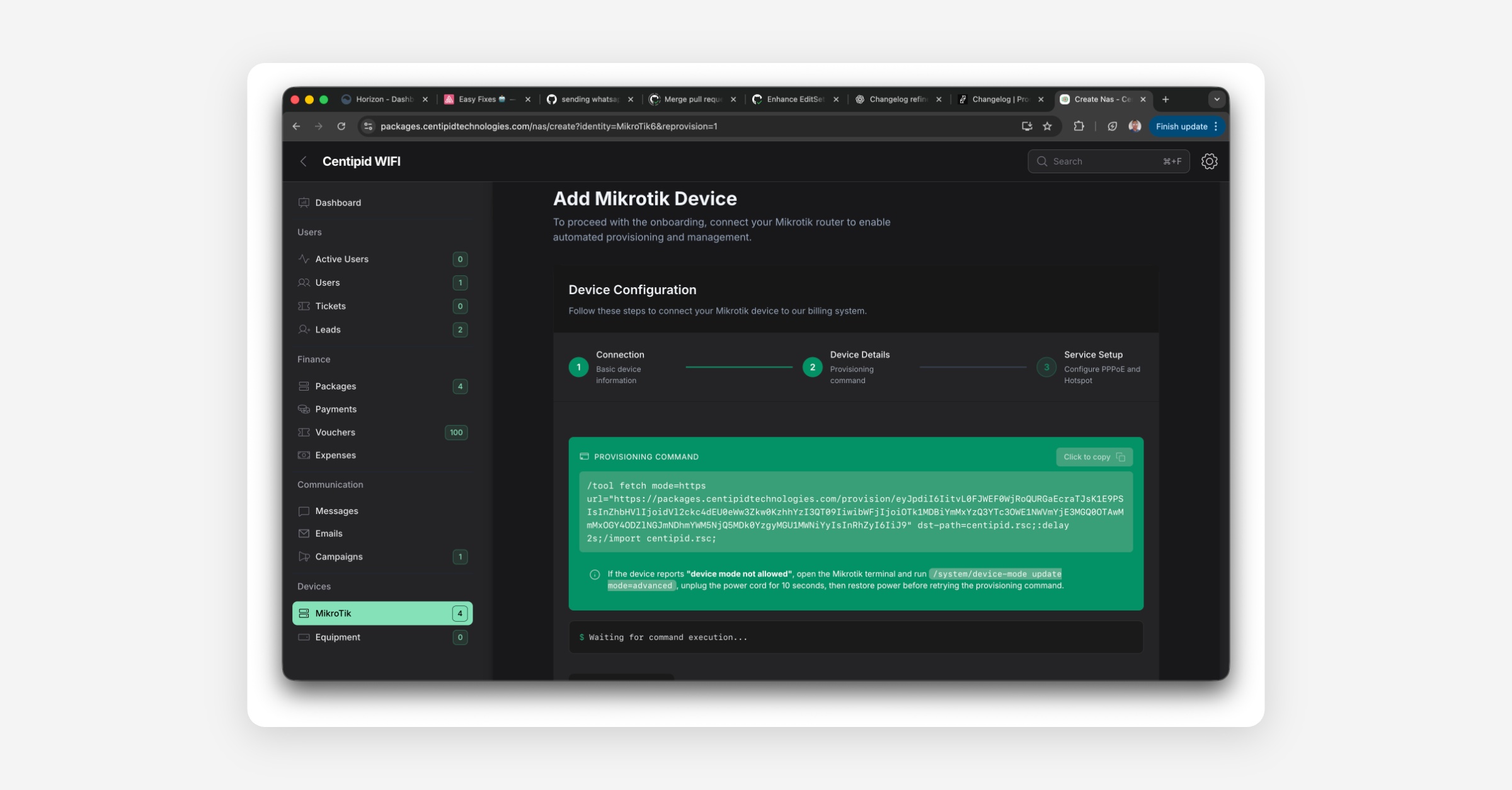
MikroTik Advanced Mode: Instructions on how to enable mikrotik advanced mode on new Mikrotik models.
Dark Theme Enhancements: Improved dark mode visuals, contrast, and readability across all modules.
Welcome Emails for Support Users: Support accounts now receive a welcome email with login instructions.
Account Number Flexibility: Paybill and account number inputs now support both uppercase and lowercase letters.
🧰 Fixes & Quality Improvements
Days Left Calculation: Corrected countdown accuracy for account validity.
MikroTik Reboot: Fixed issue where devices didn’t reboot properly when triggered from the system.
SMS Rate Limiting: Adjusted rate limiting to prevent delivery delays and provider throttling.
PPPoE Users Hotspot Access: PPPoE users can now directly pay for hotspot sessions without switching accounts.
Hotspot Pruning: Improved pruning mechanism for inactive hotspot users.
Performance Improvements: Enhanced hotspot and dashboard performance improvements.
🔐 Security Updates
Password Change Validation: Users must now enter their old password to confirm any password change.
Strong Password Enforcement: All users must meet stricter password complexity rules.
Admin Login Alerts: When an admin logs in from a new device or IP, a notification email is sent.
Session Security: Reduced idle session timeout; sessions are now closed after 30 minutes of inactivity.
NAS Deletion OTP: Added an extra layer of protection by requiring OTP verification before NAS deletion.
Centipid Billing v3.9.16 released 🚀
🚀 Improvements
Support for adding custom subnets during provisioning.
Admins can now assign speeds to system users, who can log in using their hotspot credentials.
Voucher redemption now correctly adds credit to user payments.
Reloading and reusing vouchers is now supported.
Numbers in hotspot templates are now properly visible.
🐞 Bug Fixes
Fixed SSL issues for custom domains.
Resolved issue where some hotspot users had no expiry dates.
Fixed user pruning to remove inactive accounts.
Fixed issue with app installation not working.
Corrected inaccuracies in the active users graph.
✨ Features
Added PPPoe client grace period functionality.
New pricing rule: ISPs with more than 500 users will be charged Ksh 20 per user.
Introduced a Lumen template for portals.
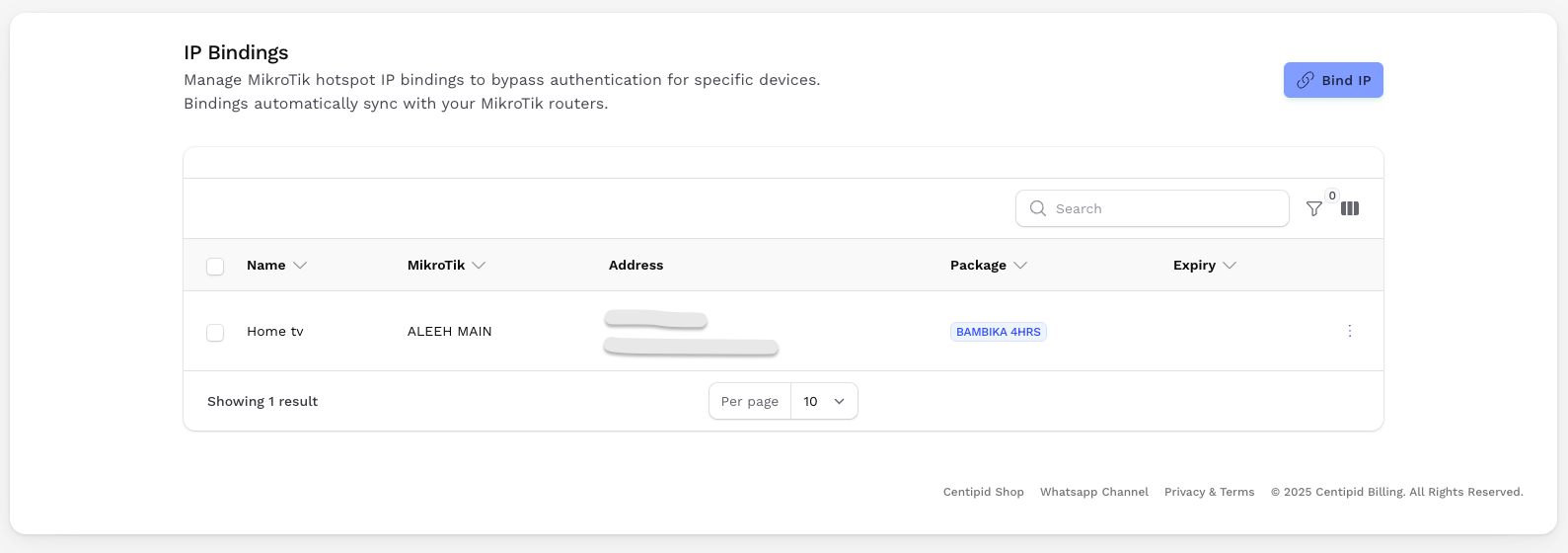
Support for Hotspot IP Binding by device.
Auto-login for hotspot users whose accounts have not expired.
🔧 More Improvements & Fixes
Automated upgrade to RouterOS v7 when provisioning Mikrotik devices.
Centipid Billing v3.8.4 released 🚀
New Features & Updates
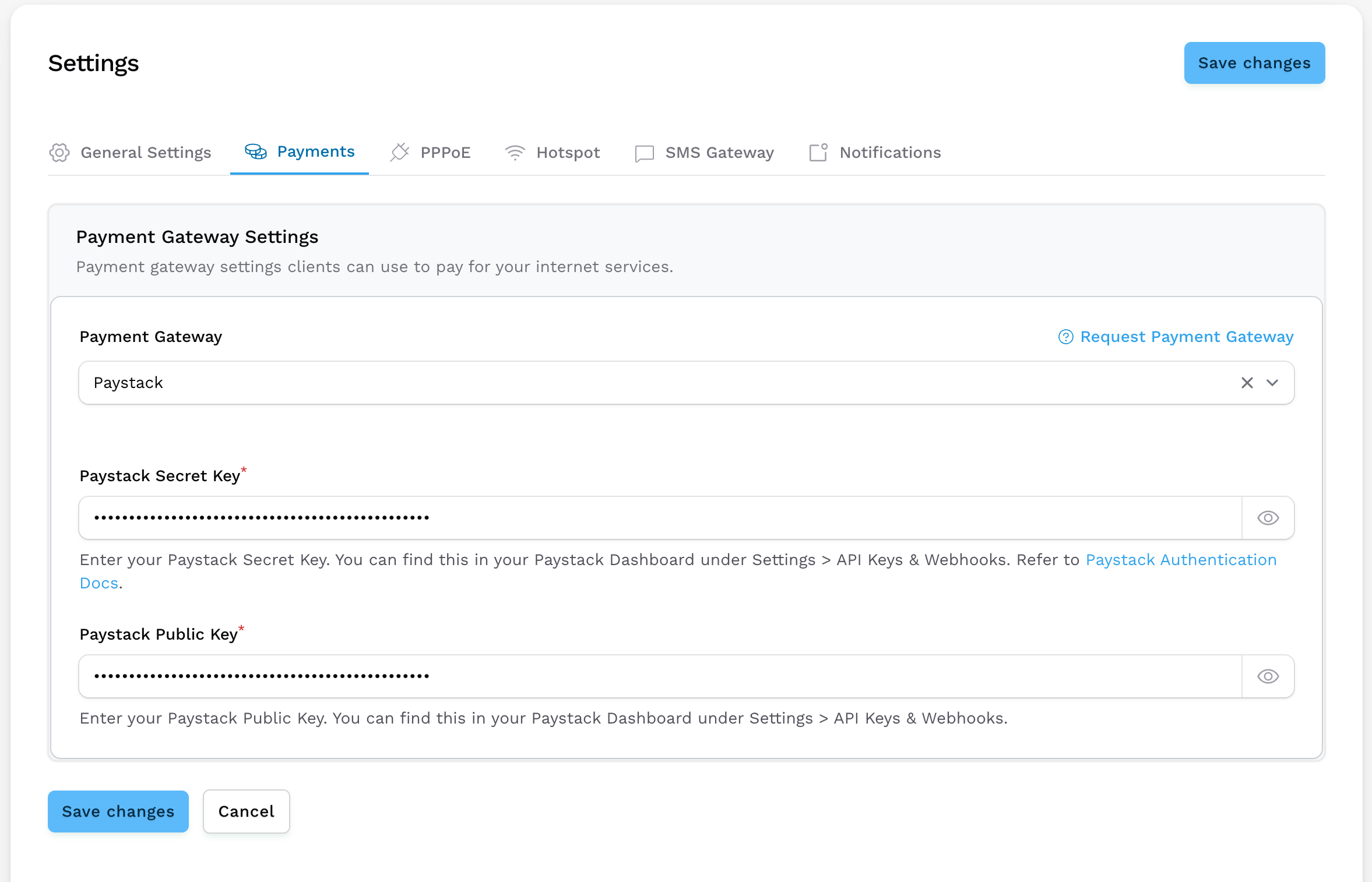
Paystack Integration for Hotspot Payments
We've added Paystack as a payment option for hotspot users in supported countries.
✅ Supported countries:Nigeria 🇳🇬
Ghana 🇬🇭
South Africa 🇿🇦
Kenya 🇰🇪
Côte d'Ivoire 🇨🇮
WireGuard Now Default for MikroTik Routers (RouterOS v7+)
We've replaced OpenVPN with WireGuard for MikroTik routers running RouterOS version 7 and above. If you are using RouterOS v7+ and would like to use wireguard, you'll need to reprovision your mikrotik.
This change brings:Faster VPN connections
Easier setup and configuration
Improved stability and performance
Improvements & Fixes
General bug fixes and backend optimizations for a smoother experience.
Centipid Billing v3.7.32 released 🚀
Improvements
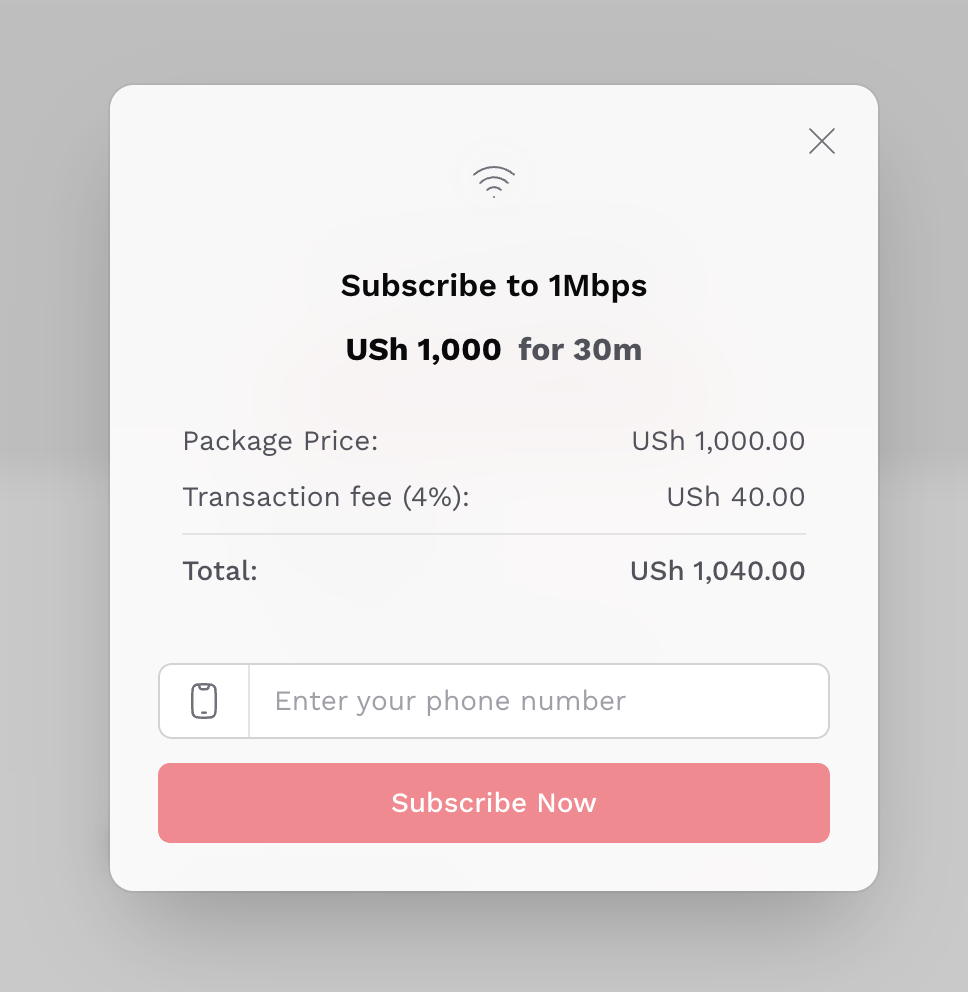
Mobile Money Charges display for Uganda Iotec clients
Centipid Billing v3.7.31 released 🚀
New Features
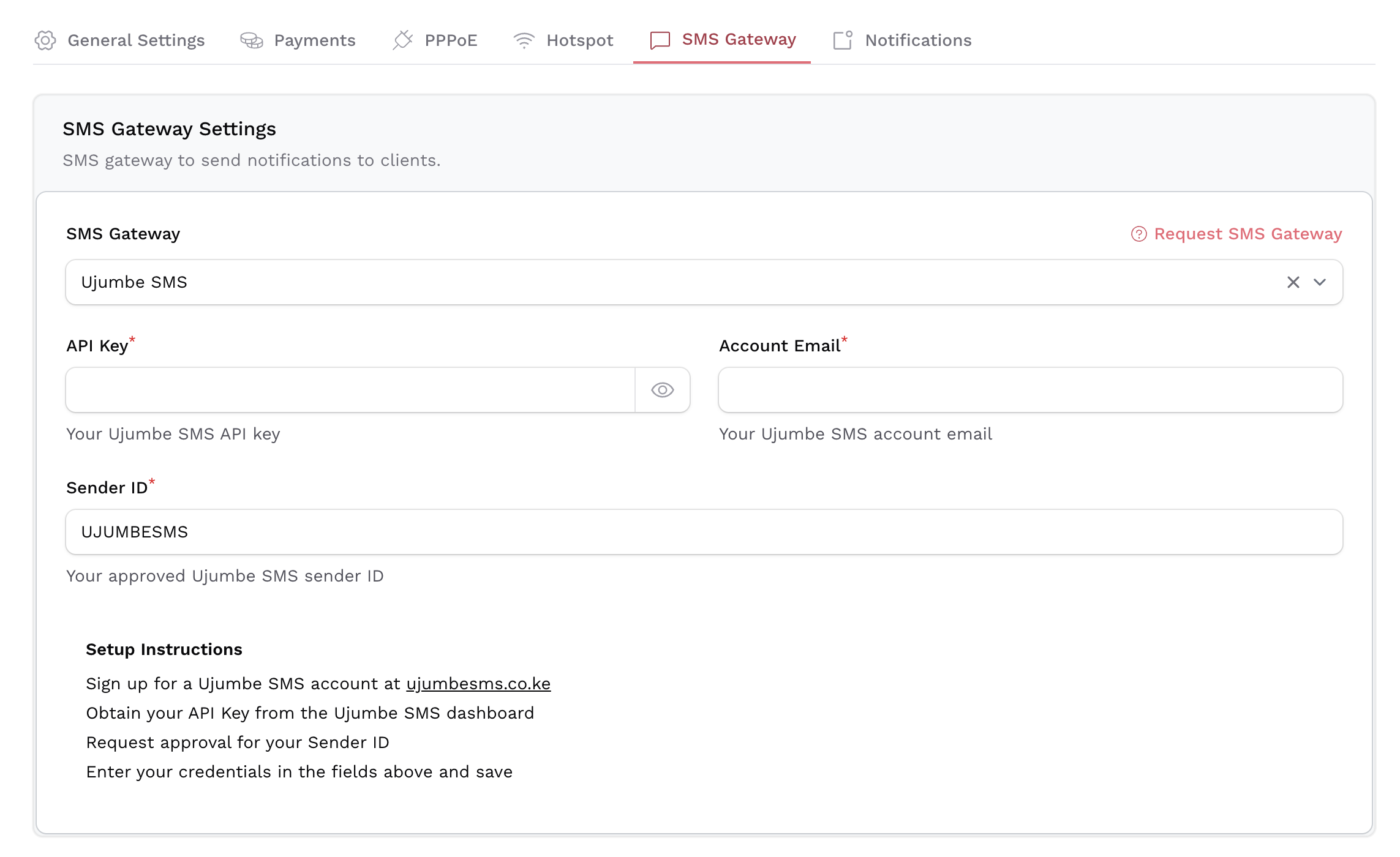
Ujumbe SMS Integration
We've added integration with Ujumbe, giving you more options for sending timely and reliable SMS notifications.Onfon Media SMS Integration
You can now send SMS through Onfon Media, expanding your communication capabilities with additional gateway support.Paystack Payment Integration
Centipid subscriptions are now processed through Paystack, offering a more secure and stable payment experience for all users.
🐛 Bug Fixes
General performance enhancements and bug fixes across the platform.
Centipid Billing v3.7.28 released 🚀
🐛 Bug Fixes
Fixed issue where the uploaded logo was not displaying.
Corrected the order of user sessions under the User Sessions section.
Resolved issue where Live Traffic was not functioning correctly under user profiles.
✨ New Features
Added Email Notifications.
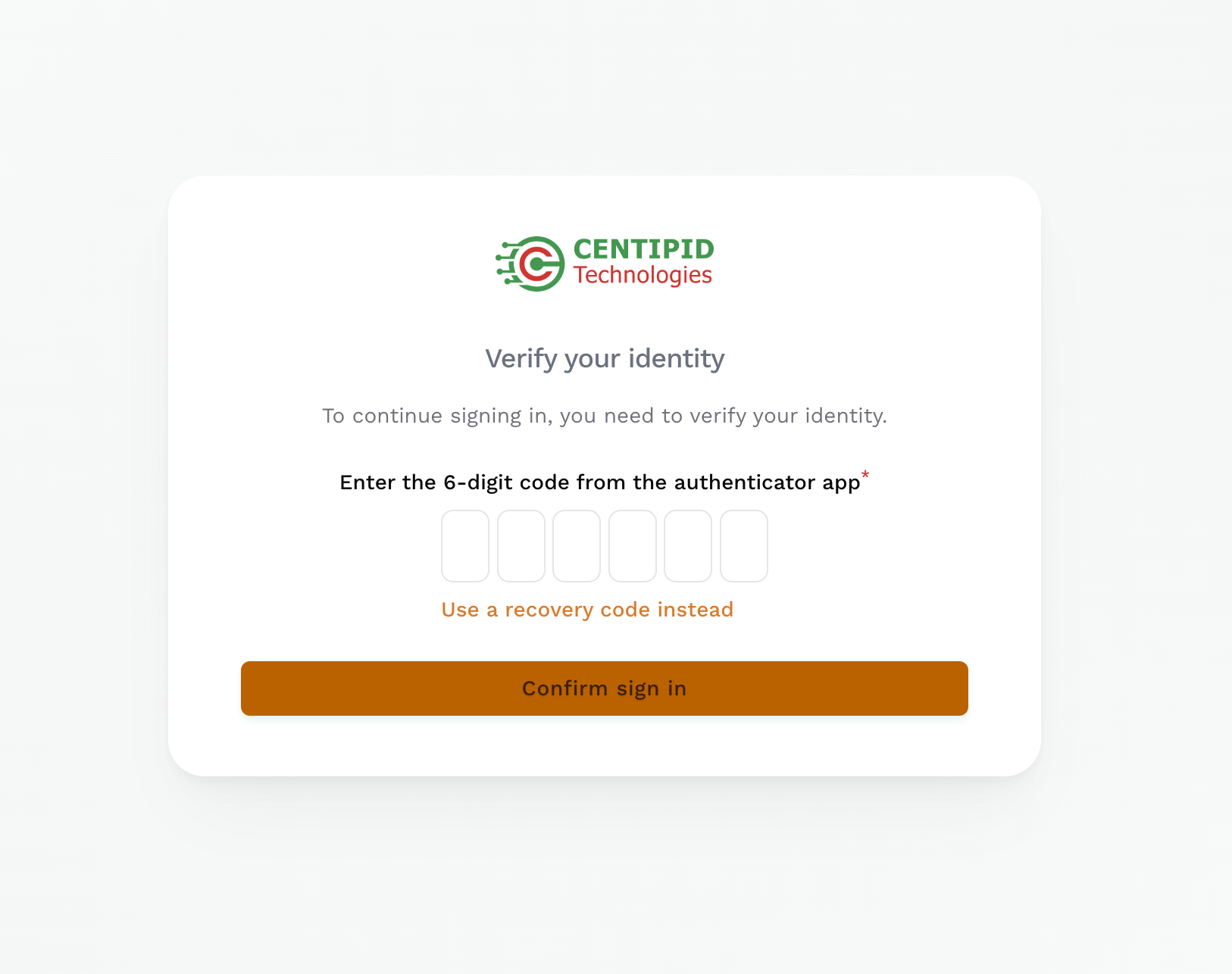
Implemented Two-Factor Authentication (2FA) for enhanced security.
🔧 Improvements
Added option to hide monetary amounts on the dashboard for better privacy.
📈 Other Fixes & Improvements
Various backend and UI improvements.
Minor bug fixes and performance enhancements.
Centipid Billing v3.6.5 released 🚀
Improvements
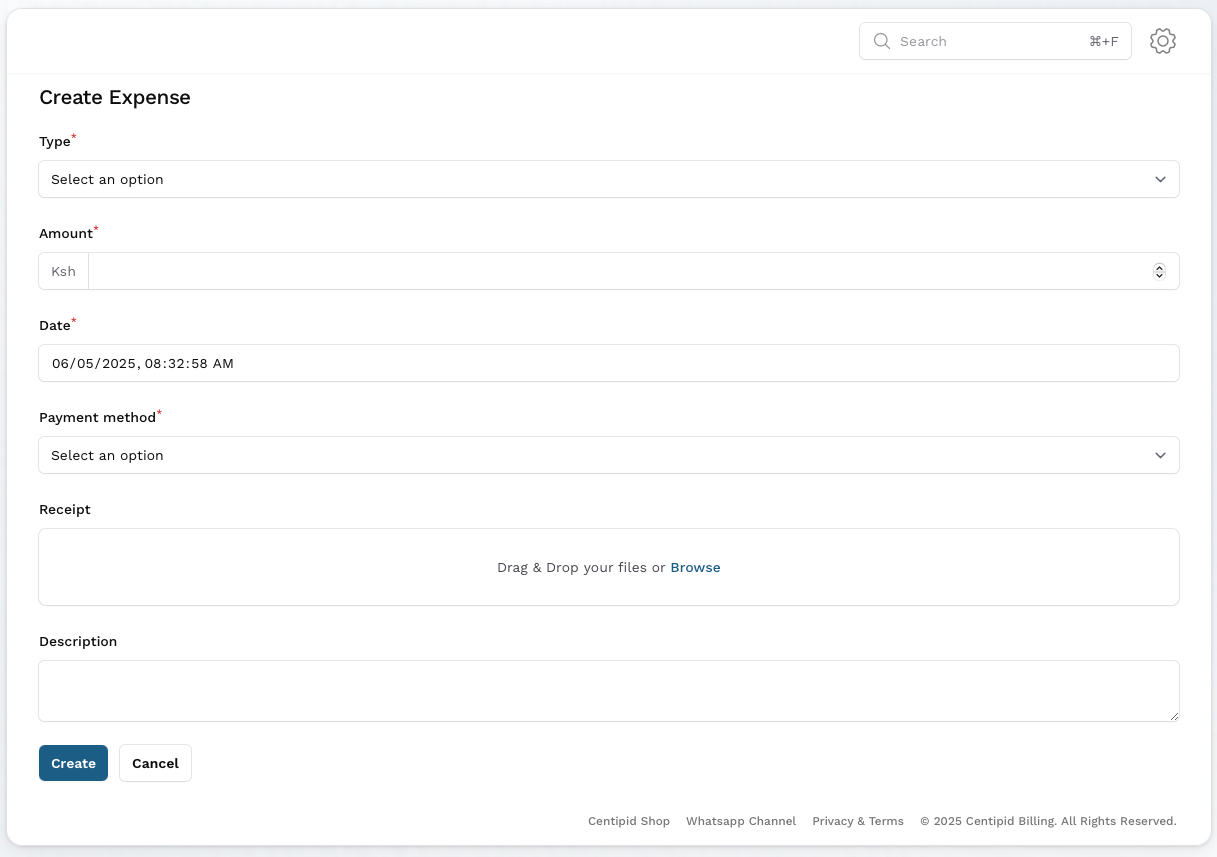
When creating expenses, you can now specify the date of the expense
In the PPPoE portal, packages lower than the currently subscribed package are hidden by default
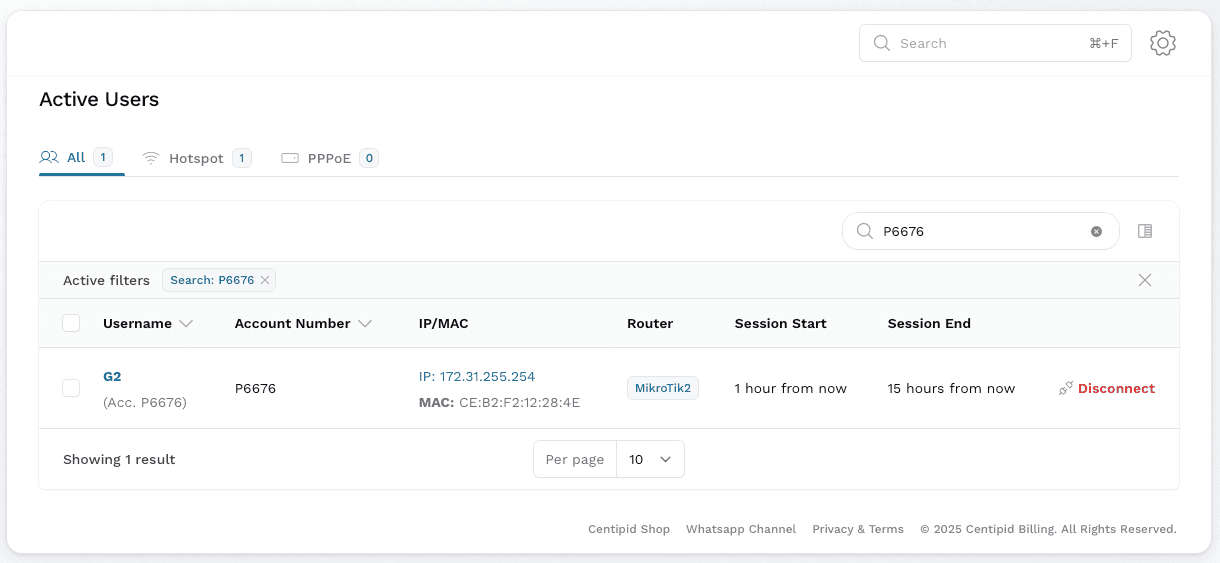
You can search the active users list with the account number
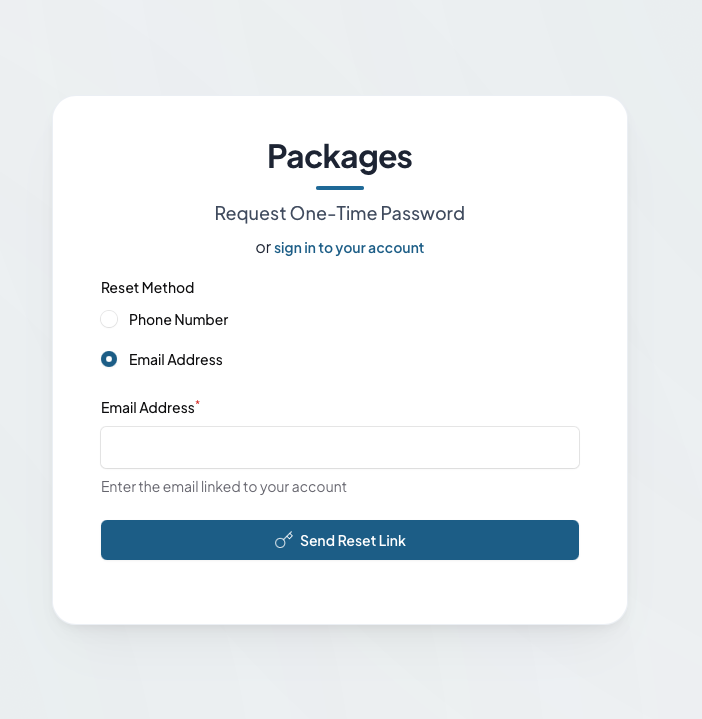
You can now reset your password as an ISP using the email used to register for your account. If you experience any issues in resetting the password, kindly reach out to our support team
Features
Login with M-Pesa Code